Enterkit Games

Tutorial -
How to play iLoket : Love Test !!!

we explain
in just a few minutes

how to play love test game and make your own iLoket

iLoket : Love test is mainly a two player game.


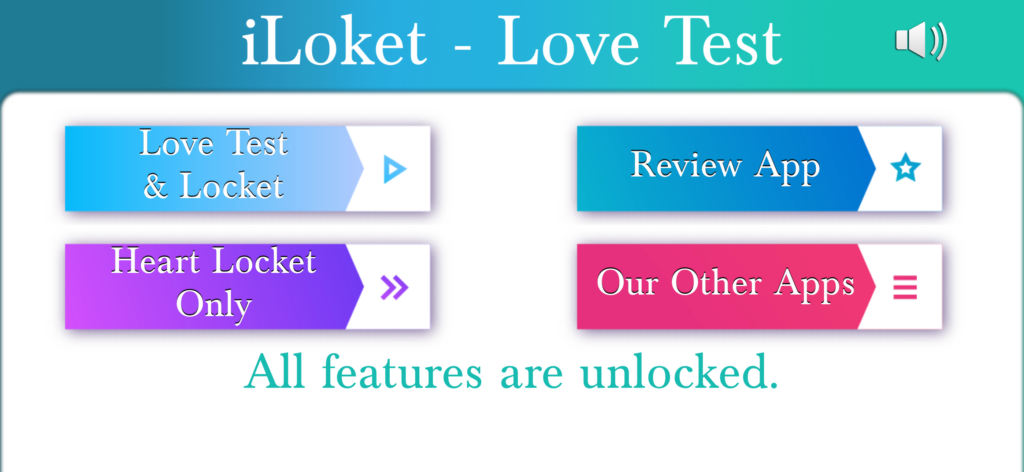
As you open the game, you will see this menu as in the image.


It requires two players for both task below –

  • For playing love test game. Because the game uses your photos for showing in love test quiz. (The love test and locket button for this)
  • For making iLoket. That same photos of 2 users is used for making iLoket. ( The locket can also be made directly with the second button without playing the quiz)

There is a music player playing soothing music and that music can be paused with above button on the top-right.

Lets begin with the tutorial when user presses the “Love Test and Locket” button. 


1. Menu

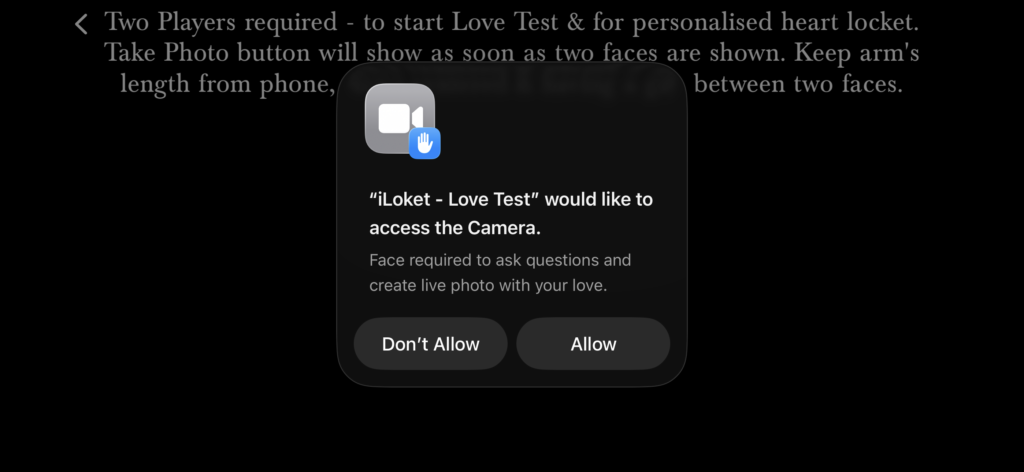
2. Camera Usage Required for iLoket and quiz photos

You should allow this to progress in the game.

Take the photo with your loved one be it say your other half.

Though if you just want Locket like with your kids or good friends, you can choose locket only in the menu. Because here, the love quiz starts between the couples.

As soon as you take the photo , the quiz is started.

The quiz is as in the video here. 

You can see that there are two photos which are used from the photo taken at above. 

Play the video to see how game plays. 

3. Love Test Quiz

4. Love Test Results

This video shows how the screen shows after game gets completed. 


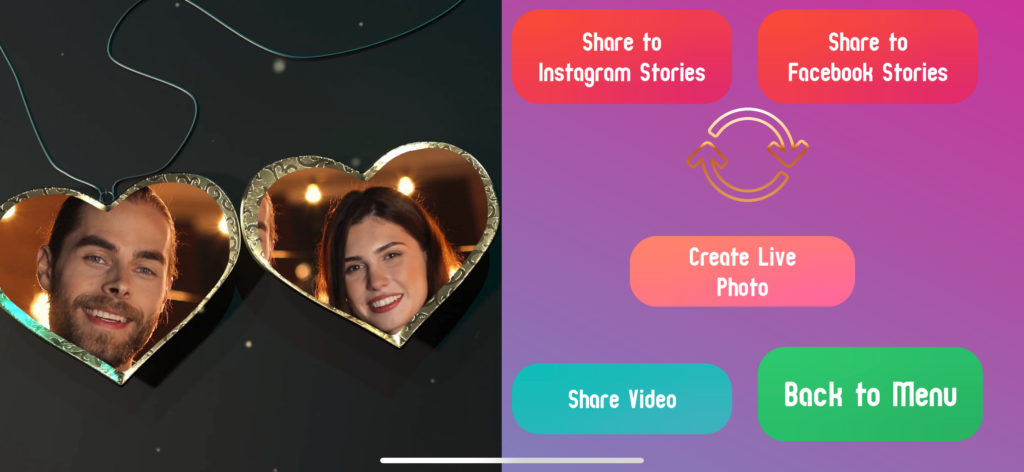
On the left, you can see the iLoket created in motion. 


And on the right, it’s the love test compatibility percentage shown. Apart from that, there are buttons for sharing the locket created directly to instagram or facebook stories or you can just save the locket with share button.


Next we will talk about the standalone locket mode in which there is no love test quiz but only locket creation.

In 1. Menu , if we clicked the “Heart Locket Only”, we would have seen the same screen as in 2.


But after clicking the photo in 2, you will the screenshot as in number 5 here in the standalone locket mode.


You can see on this screen, it has all the video options, and also live photo option as well. 


Live photos which play on long click the image.


You can replay the love locket with the gold rotate button within the app we mean.


You can share/save video in photos app as a memory.  


With this we conclude the tutorial, for more articles, you can see them below and follow us on facebook/ threads for getting updated on future articles. 


Whereas for reels, you can follow us on Instagram. All links are below in social or in menu.


We hope you will like our game and you can download it from the app store for iPhone and iPad using the button available here. 

5. Standalone Locket Mode Final